
Partners Overview
Partners are the foundation of your business transactions in Delfis. Every invoice, quote, and bill is associated with a partner.
Partner Types
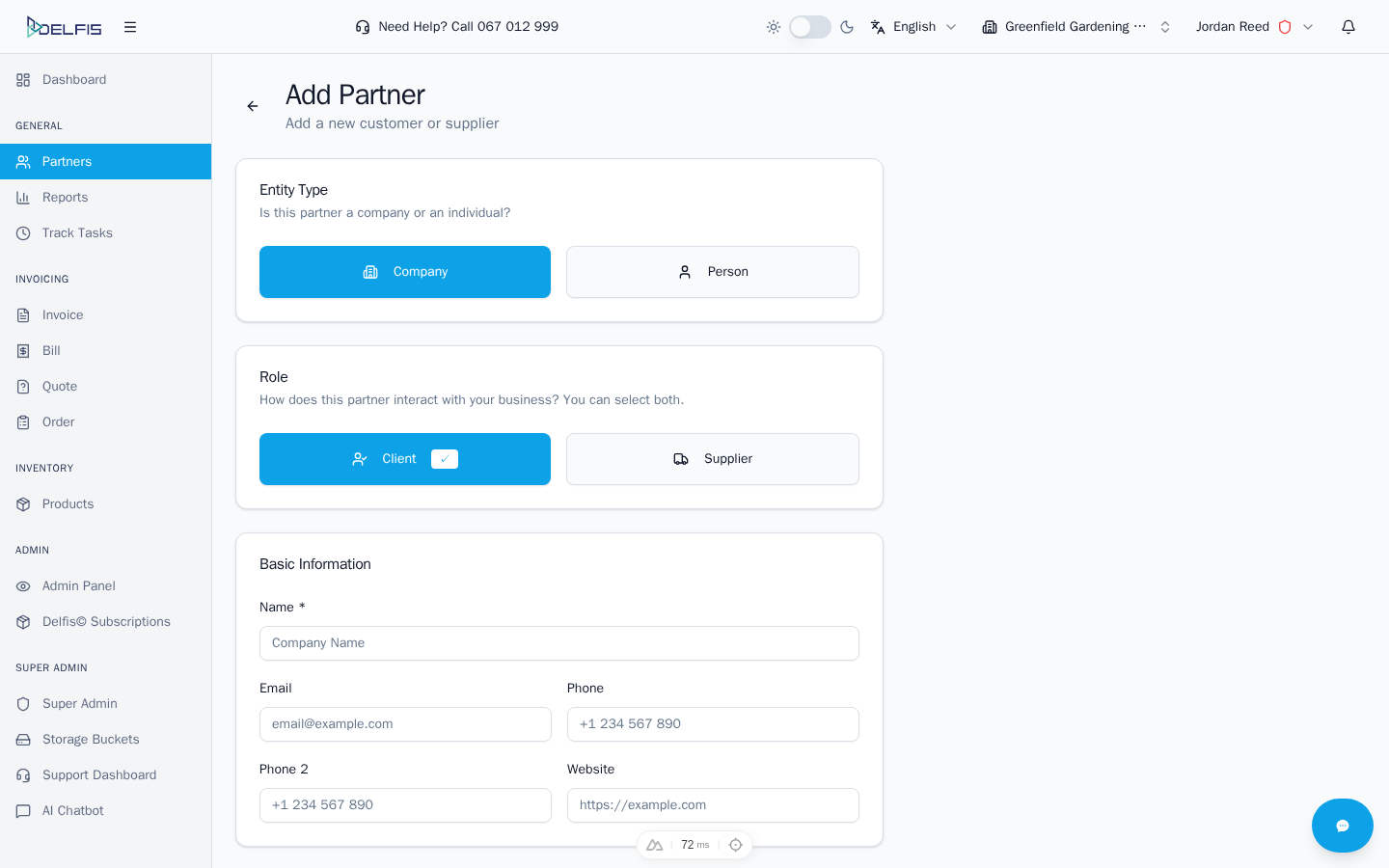
Delfis supports two types of partners:
Company
Business entities with formal registration. Companies typically have:
- Tax Identification Number (TIN)
- VAT Number
- EIN / Export Number
- Bank accounts for payments
- Official business address
Person
Individual contacts for personal business relationships. Individuals typically have:
- Personal contact details
- Home or personal address
- Simplified information requirements
Partner Roles
Each partner can have one or both roles:
Client Role
Partners marked as Client appear when creating:
- Invoices
- Quotes
- Sales documents
Use this role for customers you sell to.
Supplier Role
Partners marked as Supplier appear when creating:
- Bills
- Purchase orders
- Expense documents
Use this role for vendors you purchase from.
Both Roles
Partners can have both roles enabled. This is useful for:
- Trading partners you both buy from and sell to
- Distributors or resellers
- Business partners with mutual transactions
Key Partner Information
Basic Information
| Field | Description |
|---|---|
| Name | Company name or person's full name (required) |
| Primary contact email | |
| Phone | Primary phone number |
| Phone 2 | Secondary phone number |
| Website | Company website URL |
Registration Information (Companies)
| Field | Description |
|---|---|
| TIN | Tax Identification Number |
| VAT | VAT registration number |
| EIN | Employer Identification Number / Export Number |
Address Information
| Field | Description |
|---|---|
| Street Address | Primary address line |
| Address Line 2 | Apartment, suite, floor, etc. |
| City | City name |
| State/Province | State or province |
| Postal Code | ZIP or postal code |
| Country | Country selection |
Additional Information
| Field | Description |
|---|---|
| Discount | Default discount for this partner |
| Bank Accounts | Partner's bank account details |
| Custom Fields | Additional custom information |
Partner Discount
You can set a default discount for each partner. When creating invoices or quotes for this partner, the discount is automatically applied.
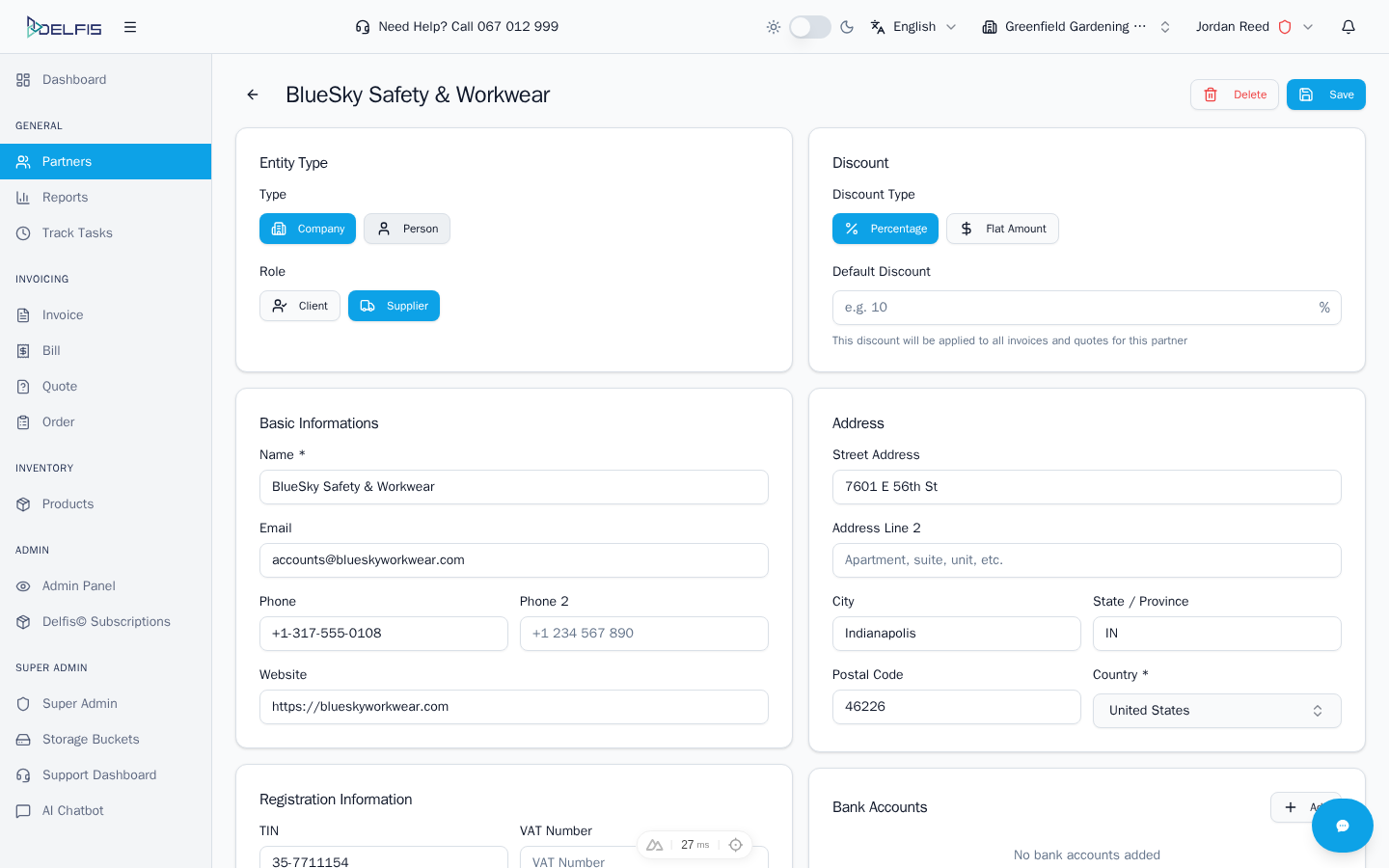
Discount Types:
- Percentage - Discount as a percentage (e.g., 10%)
- Flat Amount - Fixed discount amount (e.g., $50)
Bank Accounts
Store your partners' bank account information for reference when processing payments.
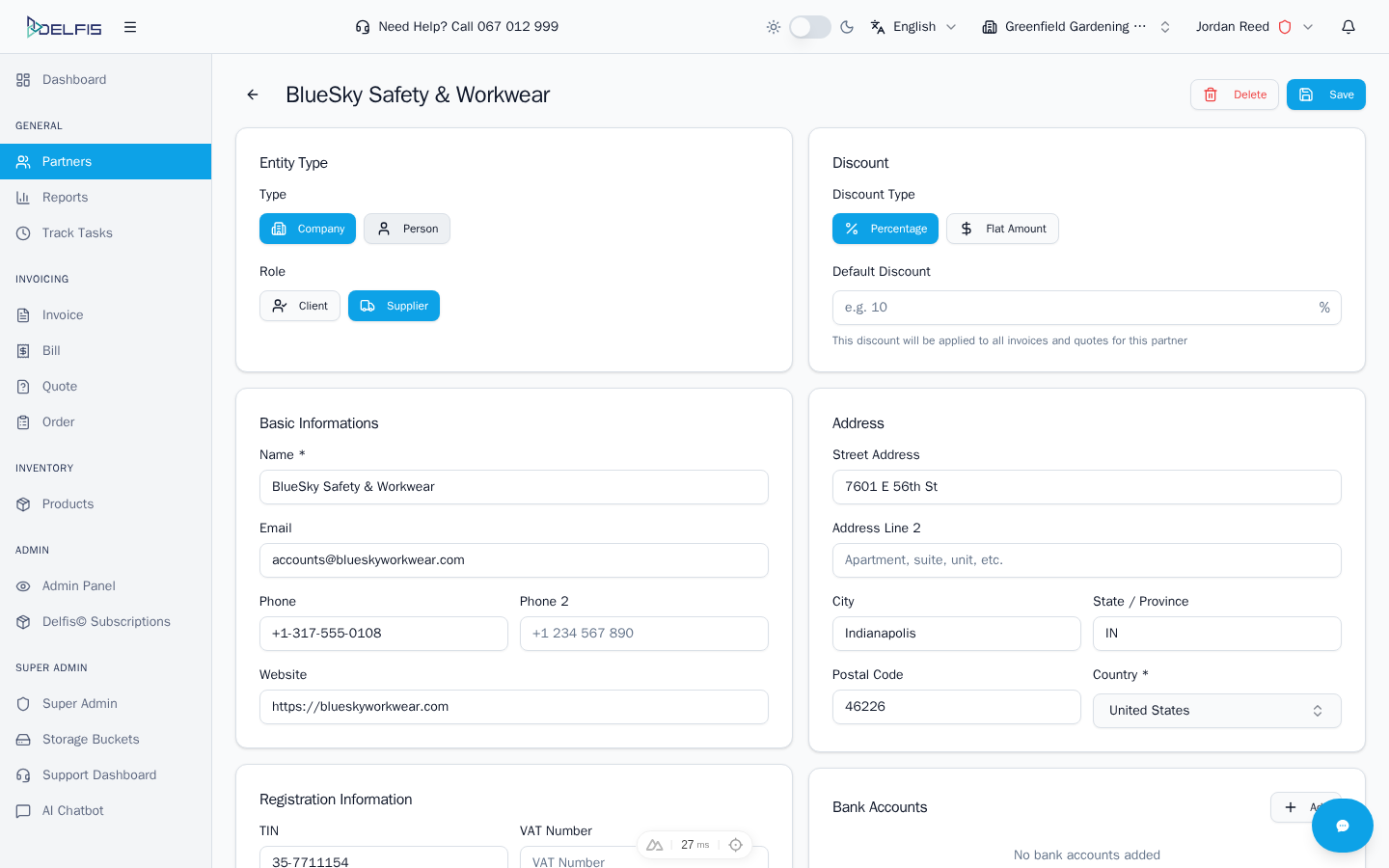
Each bank account includes:
- Bank name
- Account number (or IBAN)
Custom Fields
Add custom information specific to your business needs.
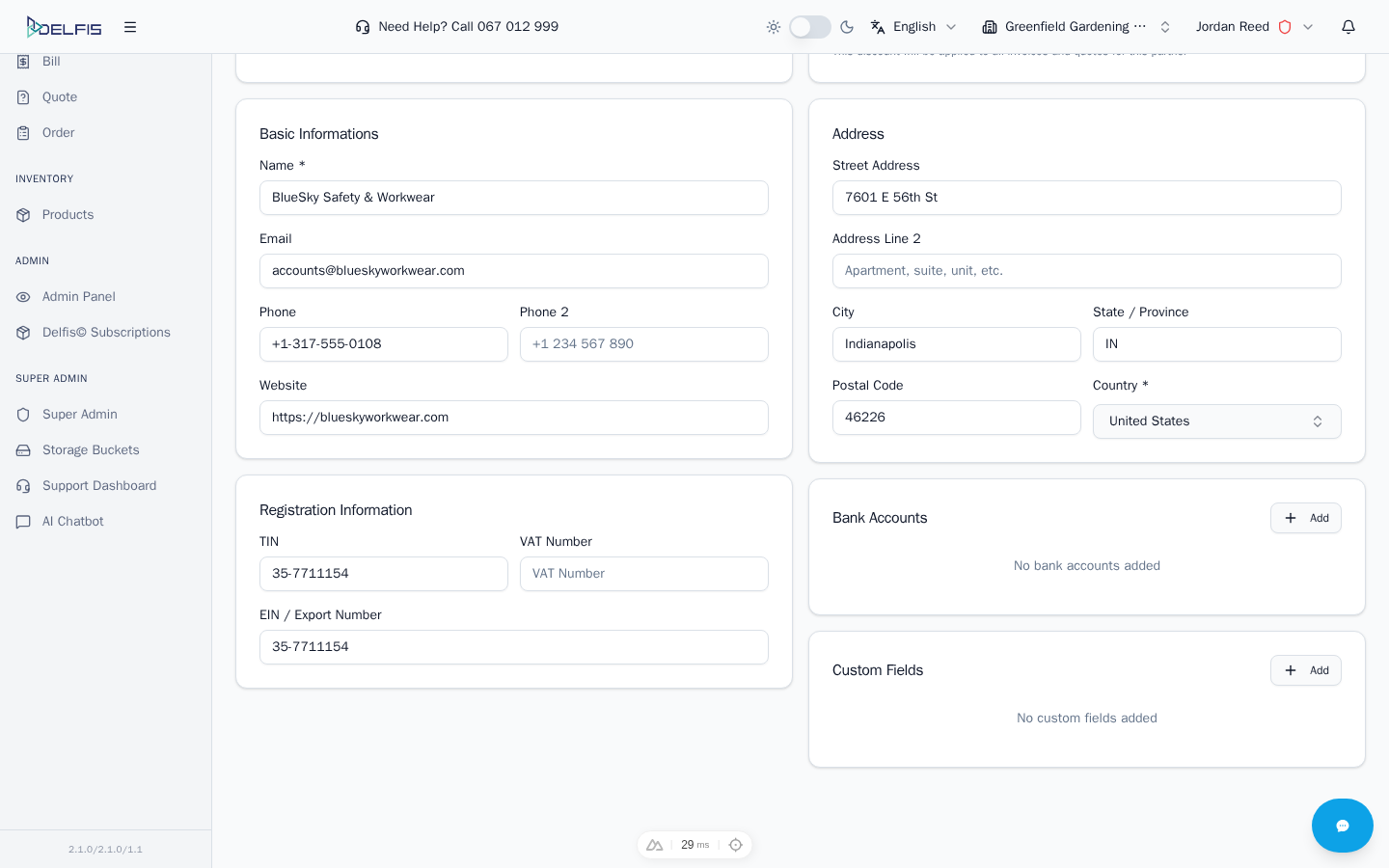
Examples of custom fields:
- Industry or sector
- Account manager
- Contract reference
- Loyalty tier
- Payment terms
Next Steps
- Managing Partners - Learn to search and organize partners
- Creating Partners - Add your first partner
- Partner Details - Edit and manage partner information