
Invoices
Invoice Panel Walkthrough
The invoice workflow is split across the Documents list, the invoice form, and the invoice detail page.
Main Surfaces
- List view for filtering, searching, and opening invoice records
- Form view for creating or editing invoice drafts
- Detail view for reviewing the finished record and using follow-up actions
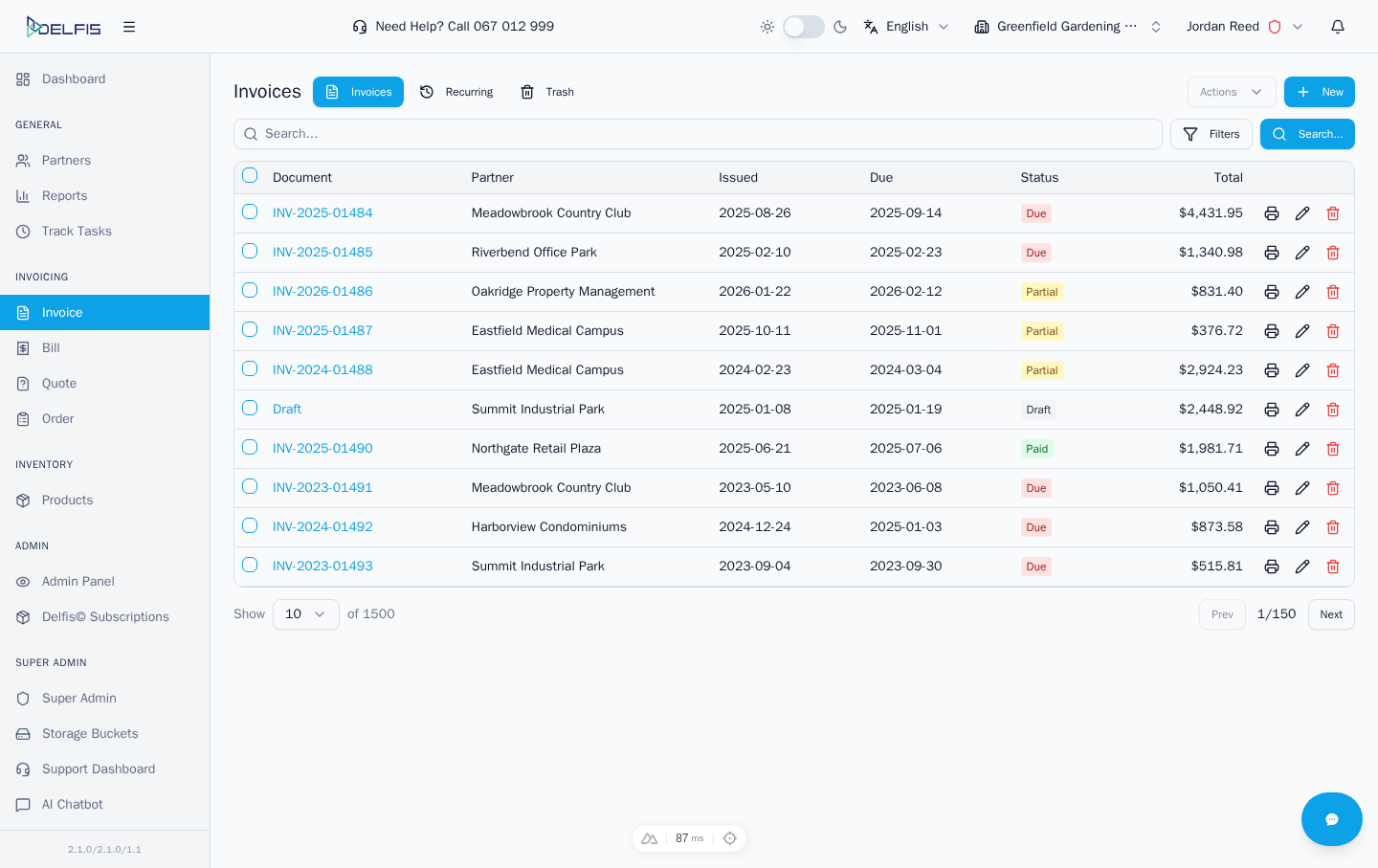
Typical Movement
- Start in the invoice list
- Open an existing invoice or create a new one
- Complete changes in the form
- Return to the detail page for preview, export, sharing, or payment handling
What To Check
- document status
- partner and reference fields
- totals and taxes
- payment information
- available actions in the header or action menus