
General
Reports
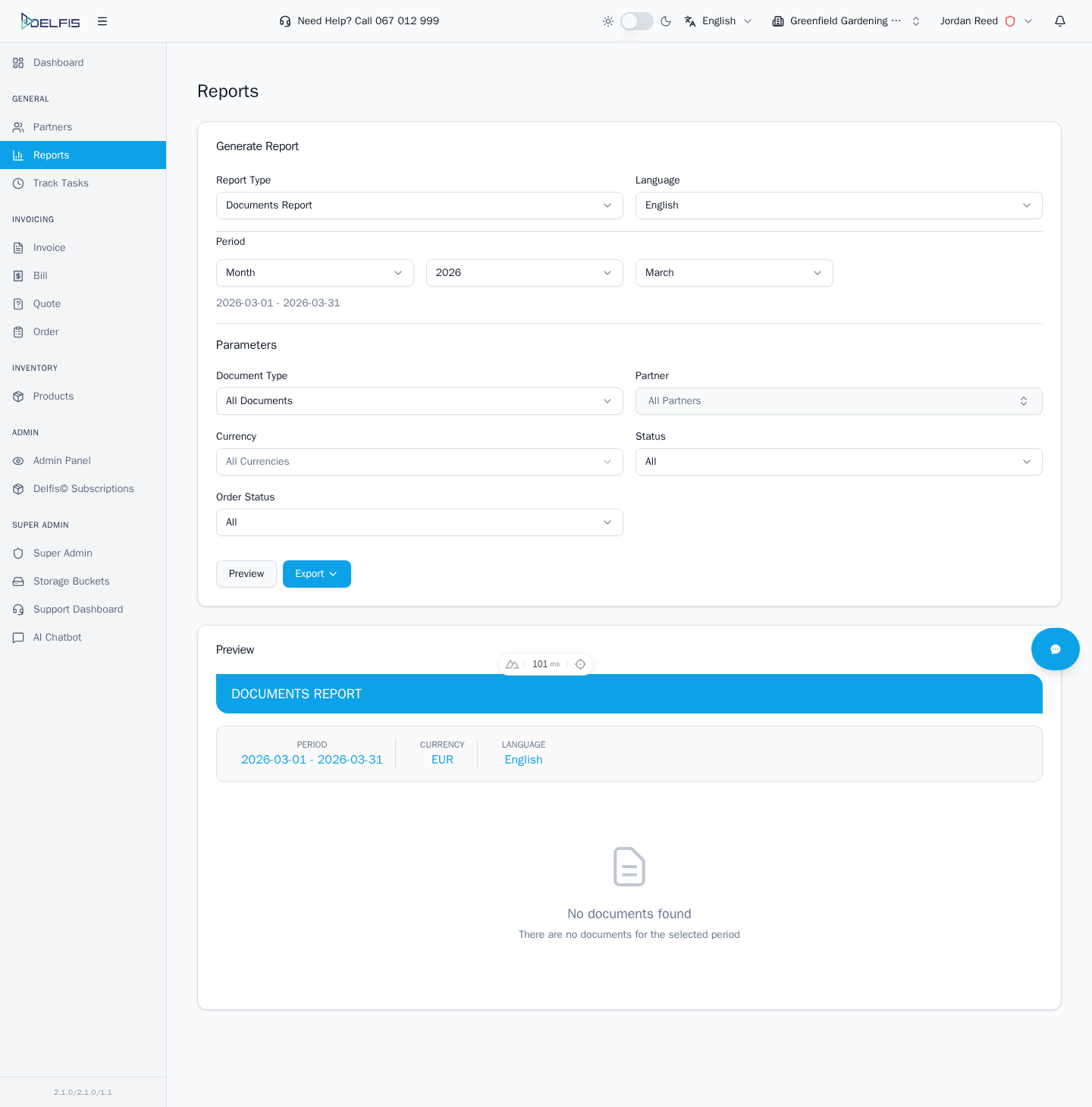
Use the Reports module to select a report type, preview the output, and export the result when needed.
Typical Workflow
- Open Reports from the sidebar
- Choose the report type you want to work with
- Set the available filters or parameters
- Click Preview to generate the report
- Export or review the result depending on the report
What to Expect
- available reports depend on enabled modules and permissions
- some reports focus on documents and finance
- IMS-enabled teams can also see inventory-oriented reports
- country-specific modules can expose extra report types
Practical Tips
- start with the smallest useful date range when a report is slow or dense
- confirm the selected team context before exporting
- use preview first before sharing or exporting a large report