
General
Dashboard
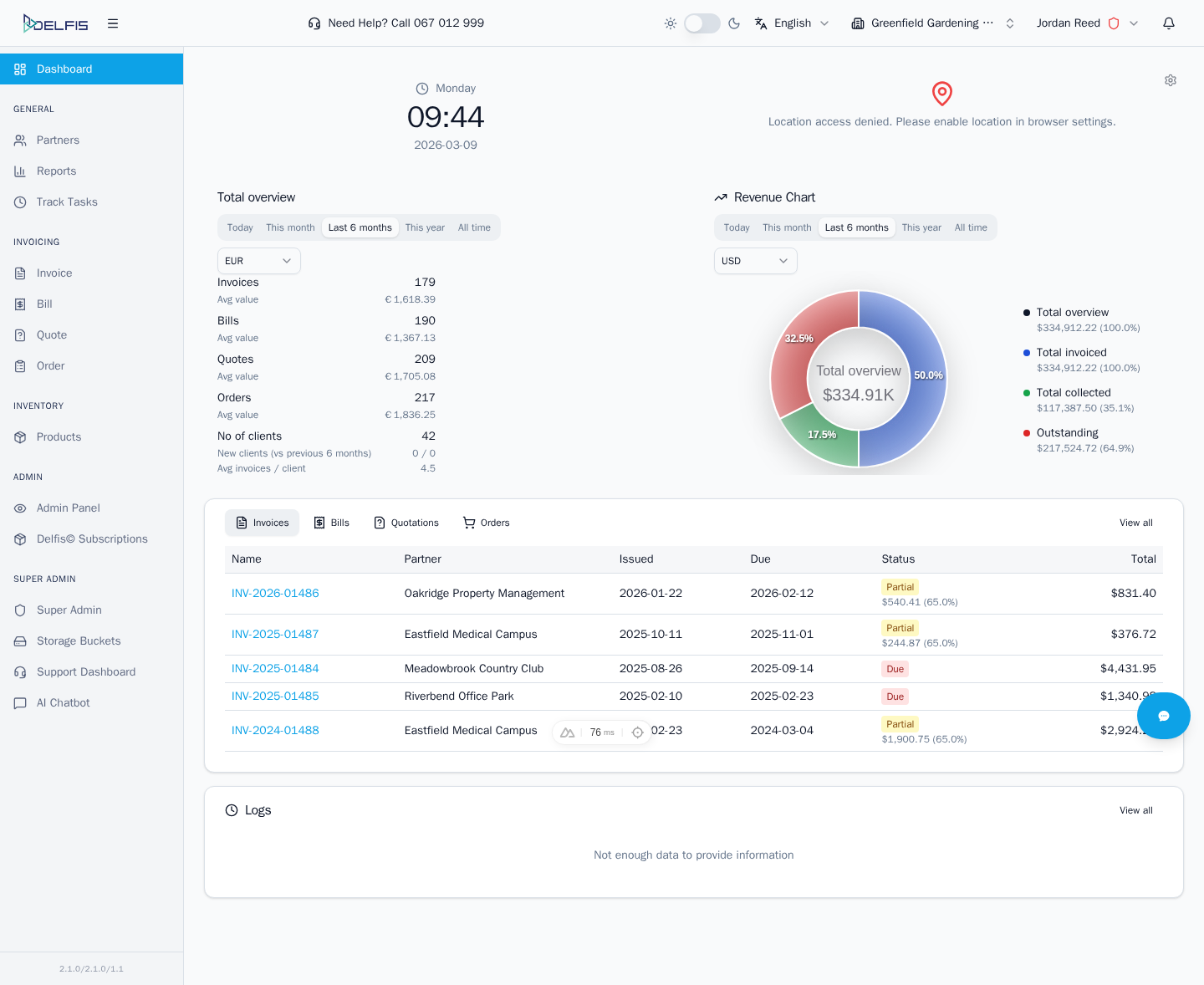
The dashboard is the main landing area after login. It gives you a quick operational overview and acts as the starting point for the rest of the app.
What You Use It For
- check the current team context
- review key summary information at a glance
- jump into high-traffic modules such as documents, partners, reports, and IMS
- spot recent activity or outstanding work before opening a detailed page
Notes
- the exact cards and widgets can vary by enabled modules and team configuration
- the dashboard is best treated as a navigation and monitoring surface, not as a replacement for list pages